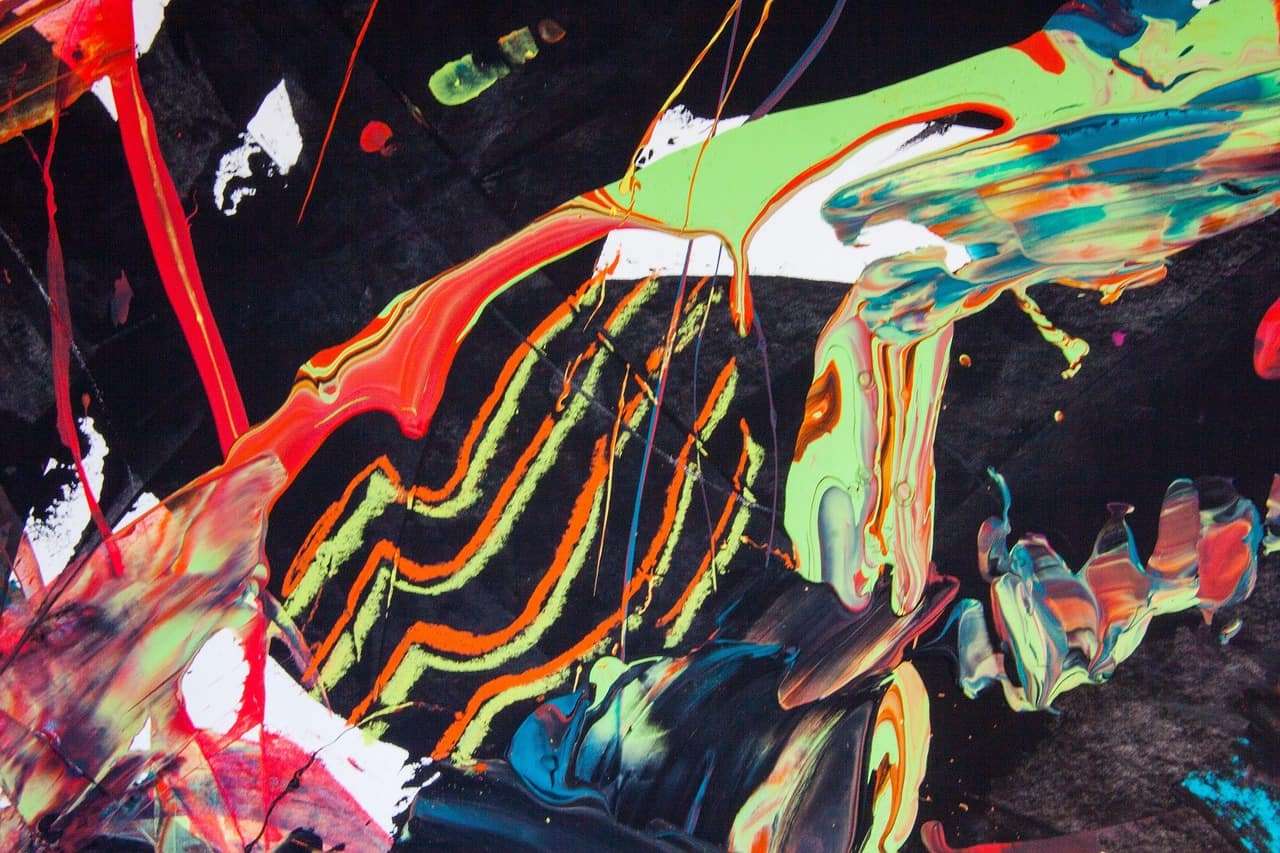
Texture is an important element in painting. It can add depth, interest, and dimension to your work. There are many ways you can create texture, and the specific method you choose will depend on your the media you use and the effect you want to achieve.
Techniques for Adding Texture to a Painting
- Use a textured brush or palette knife to apply the paint. This can create an interesting effect and add dimension to your work.
- Mix in textured elements such as sand, gravel, or glitter to the paint. This can create a tactile surface on the finished painting.
- Build up layers of paint, allowing each layer to dry before adding the next. This can create a sense of depth and texture.
- Experiment with different paint application techniques, such as scrubbing, spattering, or dragging the paint across the surface.
- Use other materials such as tissue paper, cloth, or even objects to add texture to the painting.

Fancy a cozy little drawing break between paintings?
What is Impasto?
Impasto is a painting technique that involves using thick layers of paint to create a textured surface on the canvas. It can add depth, dimension, and subtle effects in a painting, and it is often used to create expression.
How is Impasto Used in Painting?
- Impasto effects are usually created using a palette knife or other tool, rather than a brush.
- The paint is applied in such a way as to create peaks and ridges on the surface of the canvas.
- Impasto is oftencan be used to create a sense of depth and dimension in a painting.
- This technique can create a wide range of effects, from subtle texture to bold, expressive brushstrokes.
What Paint Can I Use for Impasto?
While impasto is most often associated with oil painting, it can also be used with Acrylics.
How to Use Impasto in Your Painting
- Experiment with different tools and techniques to find the best way to create the effect you want.
- Pay attention to the way light interacts with the textured surface of your painting. This can add depth and realism to your work. Consider the overall composition of your painting. The impasto should enhance the overall look and feel of the piece, not distract from it.
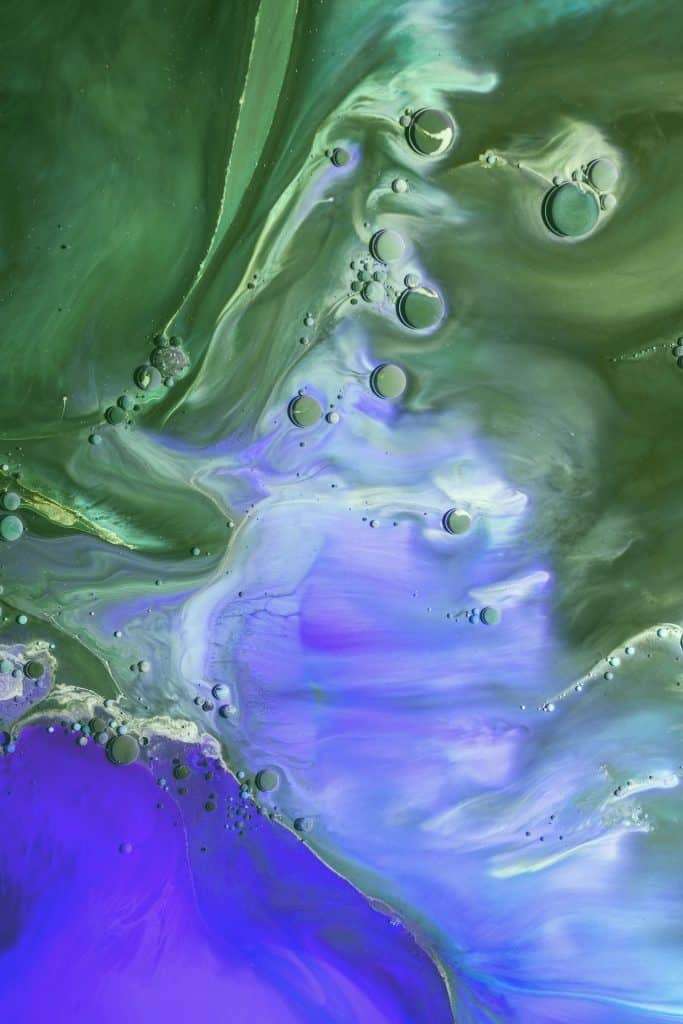
Tips to Create Texture in your Painting
- Don’t be afraid to experiment with different techniques. Try out different brushes, tools, and materials to see what works best for you.
- Pay attention to the way light interacts with the textured surface of your painting. This can add depth and realism to your work.
- Consider the overall composition of your painting. The texture you add should enhance the overall look and feel of the piece, not distract from it.
Overall, the key to creating texture in a painting is to have fun and be willing to try new things. With a little experimentation, you’ll be able to find the techniques that work best for you and your unique style.